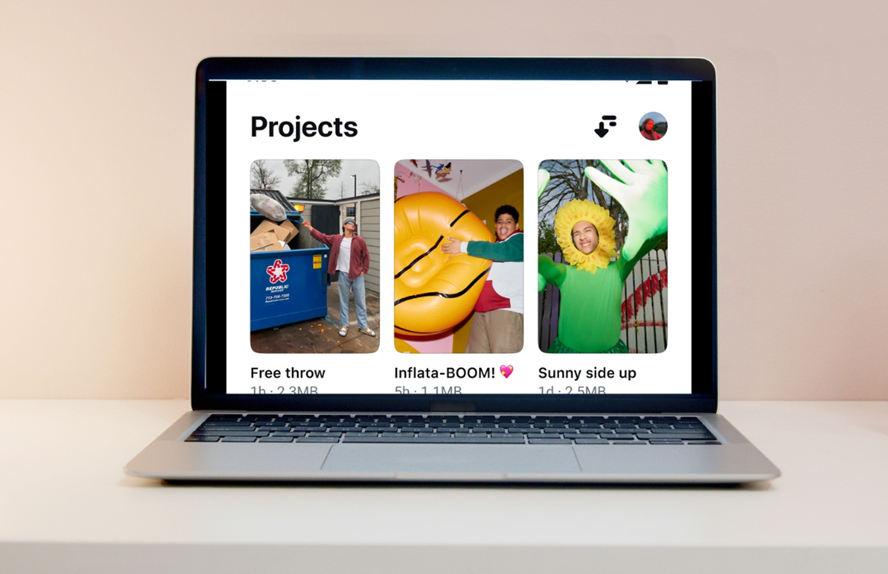
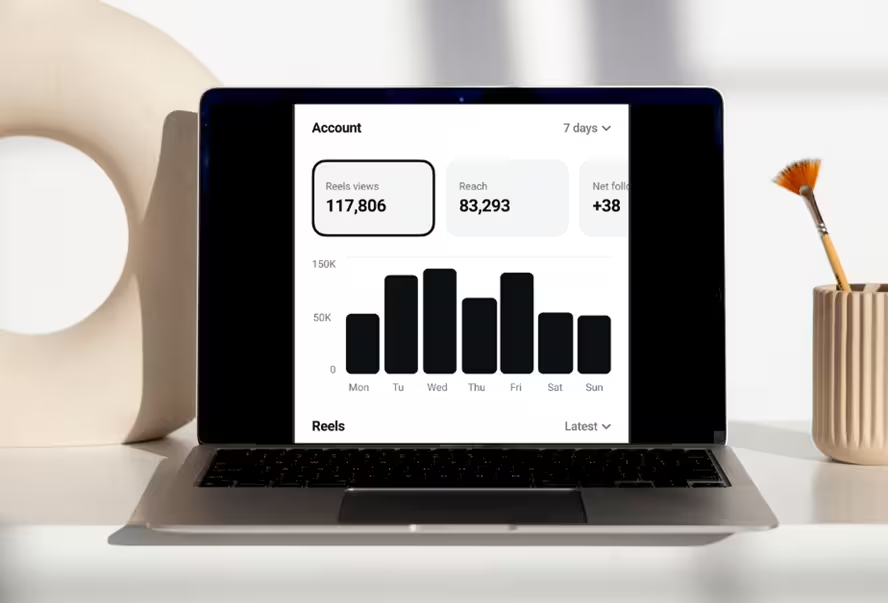
Edits / Download
Get Edits - Instagram's free video editor - on your PC or laptop running Windows 10 / 11 or macOS, with a step-by-step install checklist for each, system requirements, and the honest pros and cons of running a mobile-first editor on a desktop. iPhone and Android links are here too. Free, no watermark, no subscription.
Edits is designed for mobile, so an emulator is the smoothest way to run it on Windows. It's the real Android app in a virtual phone: same editor, same clean export, driven with a mouse. Check the requirements, install the emulator, then work through the checklist - about twenty minutes the first time.
There is no official "Edits for Windows" installer. Get the emulator from its own site and Edits from the Play Store inside it.
| Operating system | Windows 10 or 11, 64-bit (older versions are no longer supported by most emulators) |
|---|---|
| Processor | Intel or AMD, 4 cores, 3.0 GHz or higher, with virtualization enabled |
| RAM | 8 GB or more (4 GB assigned to the emulator) |
| GPU | Minimum 2 GB VRAM; integrated graphics work at 1080p |
| Storage | At least 10 GB free, on an SSD if possible |
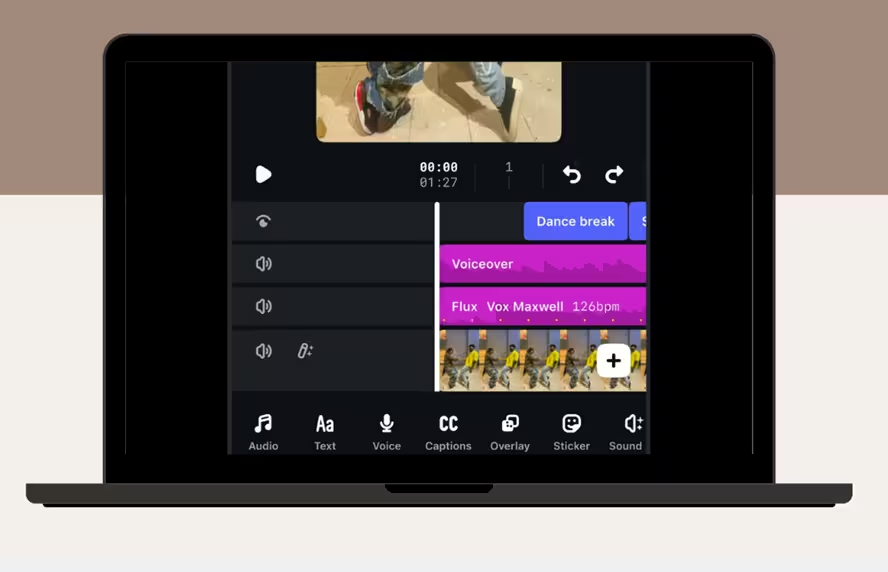
Phase 1 · Download and install an emulator
Phase 2 · Open the emulator and configure settings
Phase 3 · Download and install Edits from Google Play
Phase 4 · Start using Edits on your PC
On Macs with Apple silicon the process is simple and takes a few minutes - no emulator. Apple silicon Macs run iPhone apps natively when the developer allows it; check the Mac App Store for the listing. Intel Macs use the emulator route above.
| Operating system | macOS 12 or later (iPhone Mirroring needs the current macOS and iOS) |
|---|---|
| Processor | Apple M1 chip or newer; Intel Macs → emulator route |
| RAM | At least 8 GB |
| Storage | About 350 MB for the app; a few GB free for projects |
The native versions - free, with the camera, AI and everything else. New features reach iOS first.
iOS 16.3 or later, about 350 MB. Our download tool checks your device first.
App StoreiPhone guide + tool →Download links go to the official App Store and Google Play listings for Edits: Video Editor by Instagram, Inc. editsais.com is an independent guide. Is Edits free? · What the app does
What to expect when running a mobile-first editor on a desktop. The full app review is here.
The facts that have moved since the emulator route became the standard answer.
Quick answers about running Edits on a computer.
"Edits PC" means running the Edits video editing app on a computer - via an Android emulator on Windows, or natively from the Mac App Store on Apple silicon Macs. Same features (trimming, captions, keyframes, colour), bigger screen, more performance.
Not yet. Instagram has announced a desktop version, in testing with selected creators and without a public date. On Windows you need an Android emulator; on M1 or newer Macs it installs from the Mac App Store where listed. Updates log.
Yes - the app is free and the emulator route doesn't cost anything either. No watermarks on exports. Pricing.
The safe path: download the emulator from its official website (LDPlayer, BlueStacks, NoxPlayer or GameLoop) and install Edits from the Google Play Store inside it - or from the Mac App Store on a Mac. Avoid "Edits for PC" installers and APK files from unofficial mirrors.
Edits runs on the popular Android emulators - BlueStacks, NoxPlayer, GameLoop and LDPlayer. Pick one with a Play Store and portrait-mode support.
Windows 10 and 11 (64-bit) through an Android emulator, as long as your PC meets the emulator's requirements and virtualization is enabled. Older versions are no longer supported by most emulators.
Yes - after installation you can edit offline. A connection is required for logging in, updates, the audio library, AI features, Insights and posting.
Edits exports 1080p everywhere and 4K on supported phones. Inside an emulator, 1080p is the practical ceiling; on an Apple silicon Mac the native app follows the device. Export settings.
Check for updates in the Google Play Store inside your emulator (or the Mac App Store on a Mac) and click "Update". Edits ships features roughly monthly. What's new.
Pick your platform and follow the checklist - you'll be cutting your first Reel in minutes.